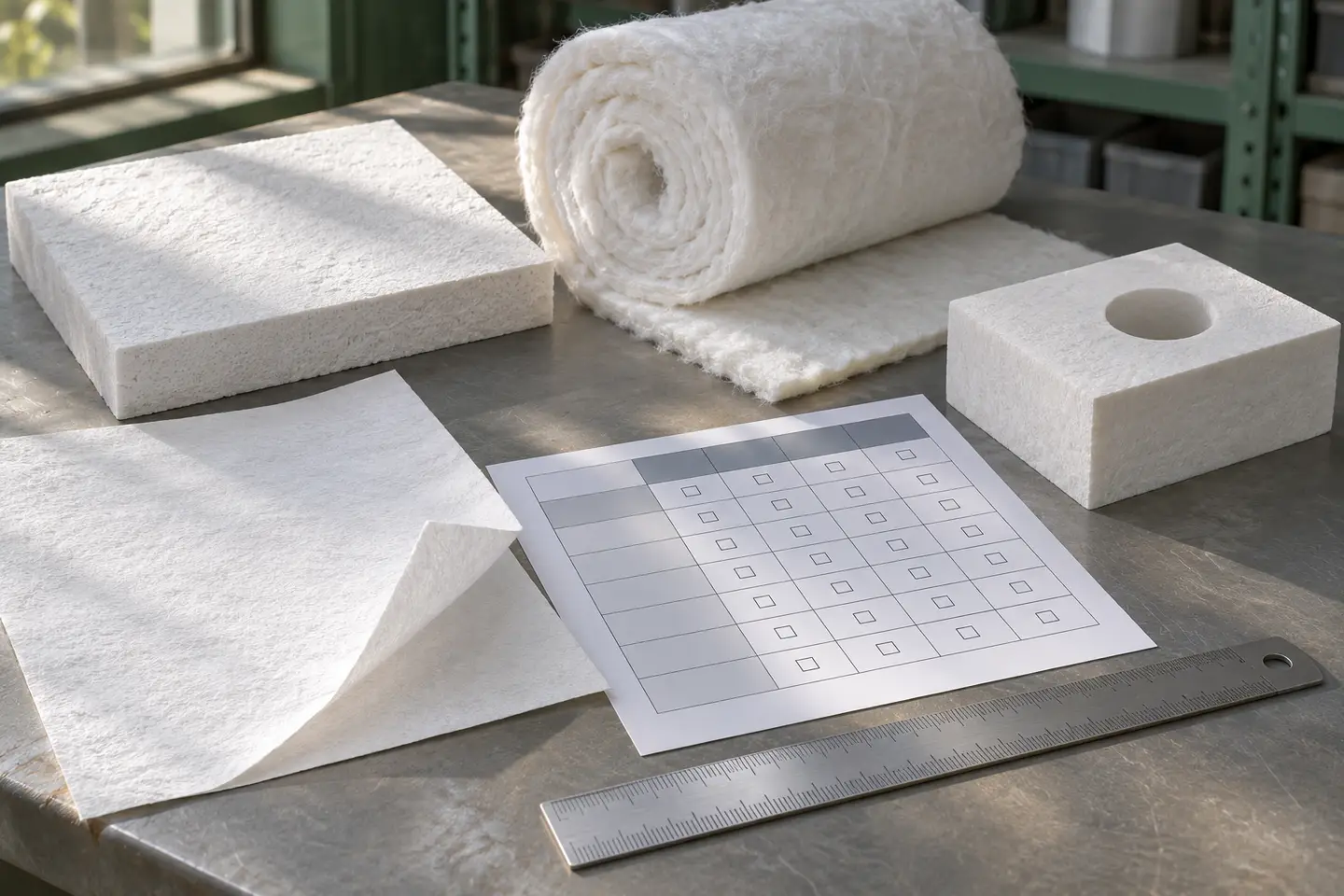
Board, blanket, paper and a machined fiber shape arranged for material-form comparison

01Engineering resources

Ceramic fiber selection guides

Practical guides for choosing ceramic fiber forms and grades and preparing muffle, tube and diffusion furnace quotation requirements.

7selection and RFQ guides
Comparematerials and structures
Preparequotation inputs

02Overview

Compare material forms, grades and densities, then use the chamber, electrical and drawing checklists to prepare a complete RFQ.

03Technical information

Selection guides for ceramic fiber materials and furnace components.

Choose between board, blanket and paper; compare temperature grades and densities; or prepare the dimensions and electrical information required for a custom chamber or multi-zone heating assembly.

Rigid ceramic fiber board sheetsFlexible ceramic fiber blanket rollThin ceramic fiber paper roll
01

Board vs blanket vs paper

Choose rigid support, flexible coverage or a thin thermal break based on the function of each layer.

  • Geometry and handling
  • Thickness and space
  • Attachment and joints
Open material-form guide →
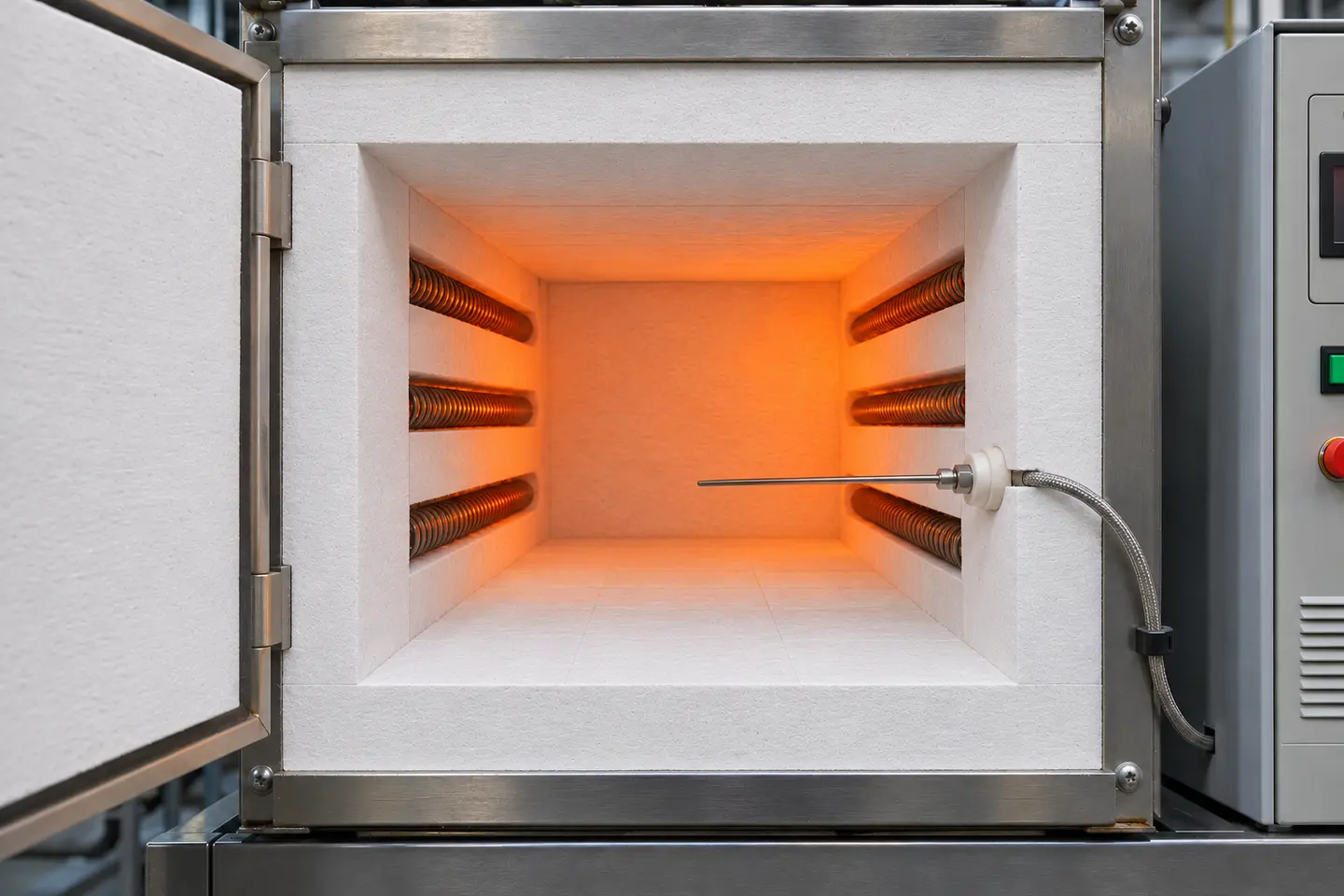
Rigid ceramic fiber furnace lining, resistance elements and a thermocouple illustrating thermal service conditions
02

Temperature grade and density

Start with the product form and operating conditions, then specify grade, density, thickness and handling requirements.

  • 1260–1900 grades
  • Standard and custom density
  • Product-specific values
Open selection guide →
Muffle chamber drawing and RFQ preparation
03

Muffle chamber RFQ

Prepare hot-zone, outer-envelope, door, ports, temperature, element and electrical inputs.

  • Chamber dimensions
  • Operating conditions
  • Electrical integration
Open muffle guide →
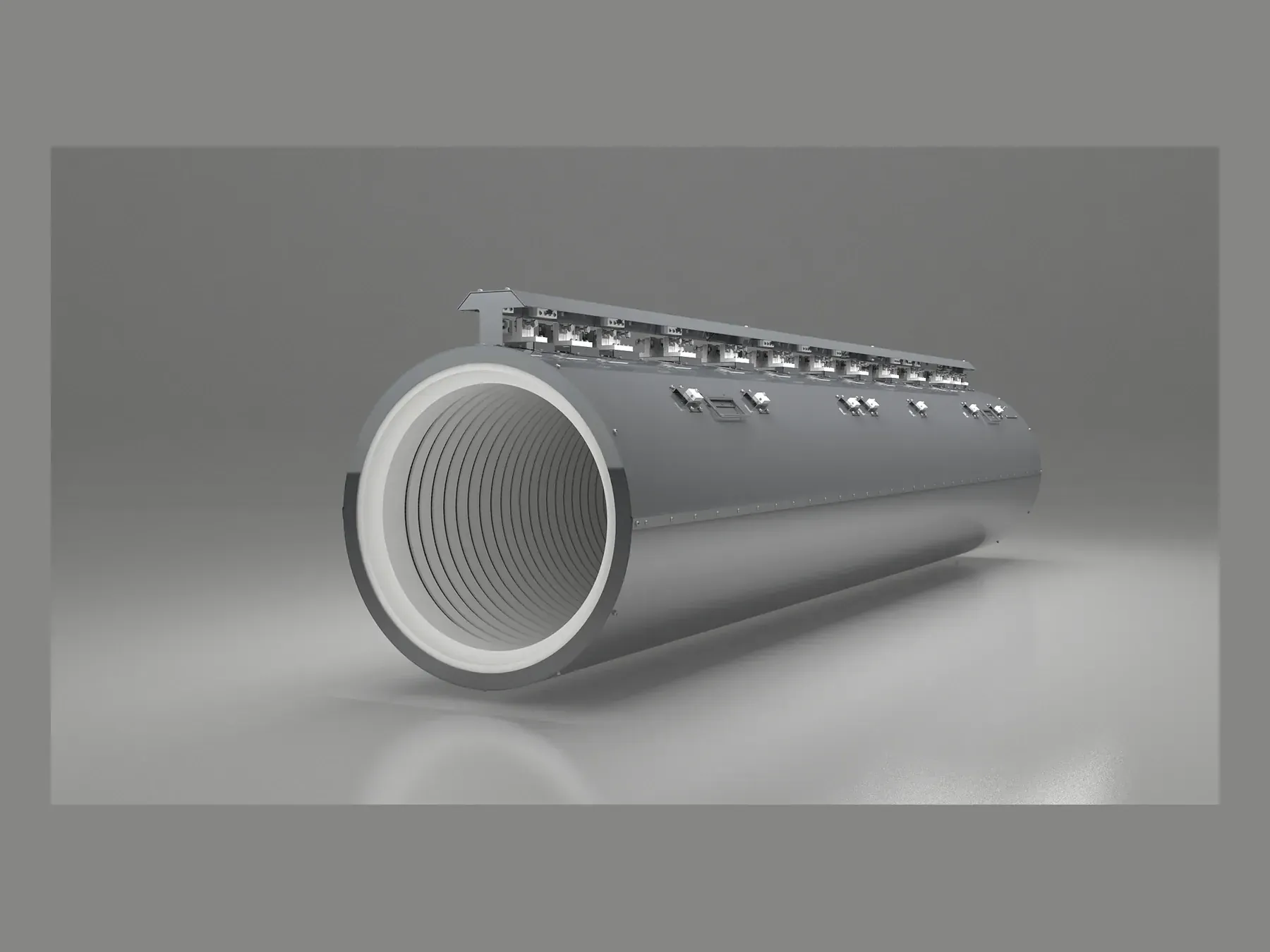
Tube furnace chamber drawing and RFQ preparation
04

Tube chamber RFQ

Start from process-tube OD, hot-zone length, orientation, split requirement and thermal zones.

  • Tube and bore
  • Access method
  • Zone and lead layout
Open tube guide →
Diffusion heater zone and interface inputs
05

Diffusion assembly inputs

Define heated length, zones, supports, electrical circuits and equipment interfaces without publishing process recipes.

  • Thermal segmentation
  • Mechanical supports
  • Electrical boundaries
Open diffusion guide →
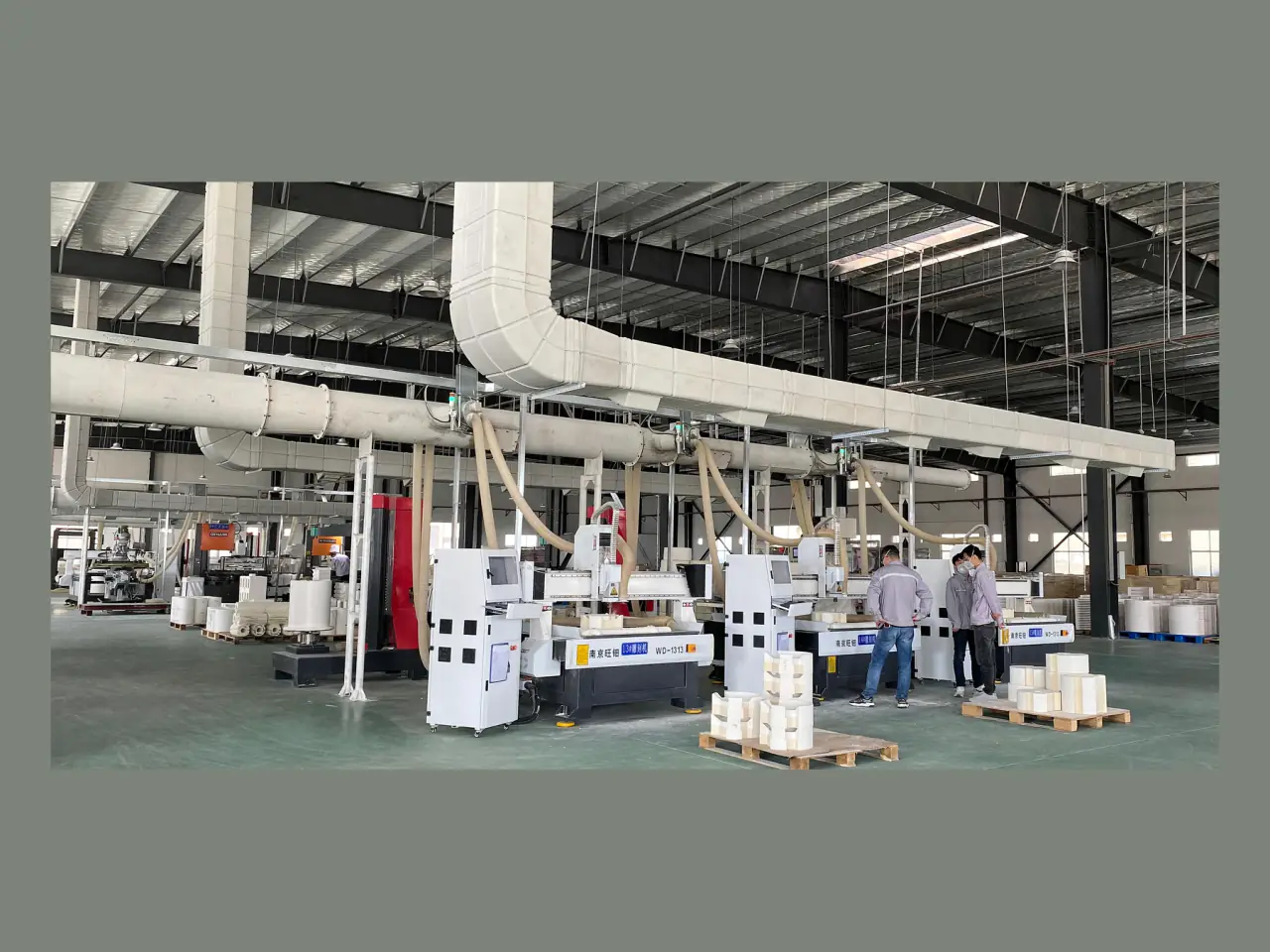
Drawing preparation for machined ceramic fiber parts
06

Drawing preparation

Mark critical dimensions, tolerances, interfaces, revision and any dimensions still to be confirmed.

  • Dimensioned views
  • Critical-to-fit interfaces
  • Revision and quantity
Open drawing checklist →
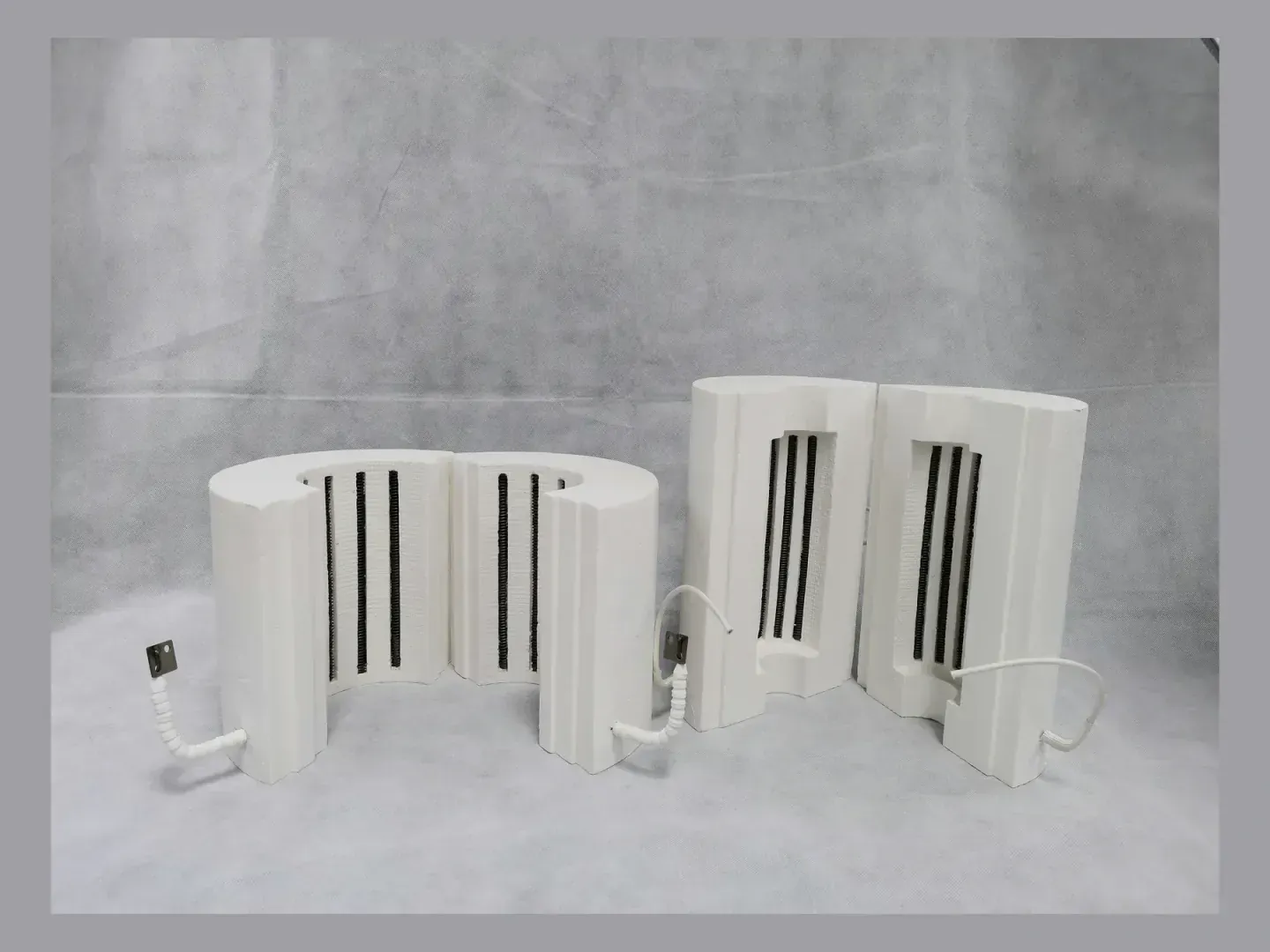
Embedded resistance-wire route and element grooves inside a ceramic fiber chamber
07

Embedded element layouts

Compare grooved, surface-mounted and embedded resistance-wire arrangements before completing the chamber drawing.

  • Wire exposure
  • Heat transfer
  • Lead and service access
Open element-layout guide →

05Product selection steps

Prepare the operating, dimensional and quantity data needed for quotation.

Open the guide for the decision you need to make, record the known values, and send the result with your drawing or equipment information.

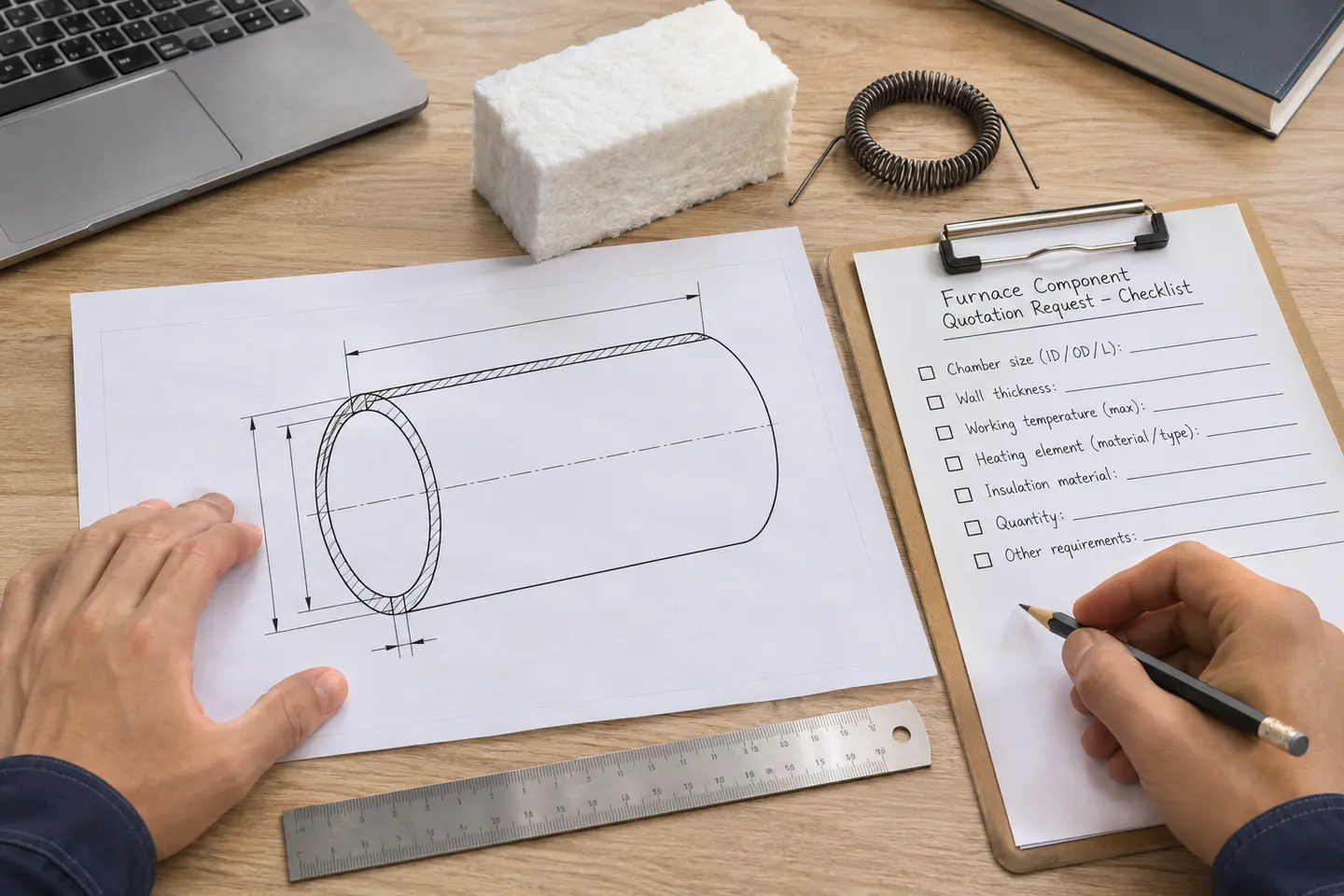
Furnace chamber outline drawing and quotation-input checklist being prepared on an engineering desk
  1. 01

    Identify the missing information

    Check whether the product form, grade, chamber dimensions, electrical layout or required documents still need to be specified.

  2. 02

    Open the matching guide

    Use the material, chamber, heating-element or drawing guide for the product being quoted.

  3. 03

    Record project values

    Prepare the dimensions, operating conditions, quantity and any questions that must be resolved.

  4. 04

    Request a quotation

    Send the information with a drawing, photograph or equipment model.

08Technical FAQ

Questions about using the selection guides.

01Which documents state the ordered product?+

The quotation states the product and commercial terms. The approved production drawing records dimensions and interfaces, while the order documents list inspection and packing requirements.

02Is the guide enough to place an order?+

The guide helps collect the required information. A custom product also needs its operating conditions, dimensions, quantity and any applicable electrical data.

03Can I send an incomplete drawing?+

Yes. Mark known dimensions and unknowns clearly, then include operating conditions and photographs. SYNTHE will identify and resolve the missing technical points before production.

10Specification support

Choose a guide for the product you are specifying.

Use the material, chamber, heater or drawing guide closest to your inquiry, then email the dimensions and operating conditions for quotation.